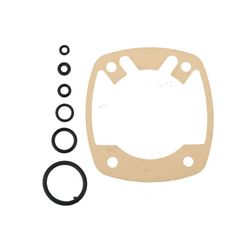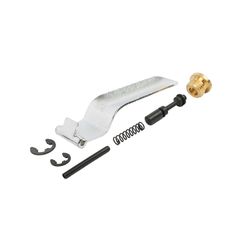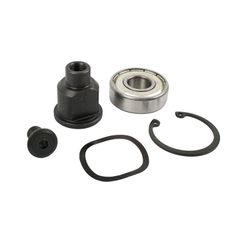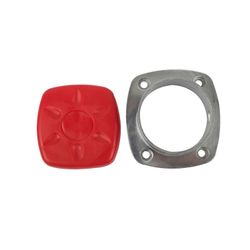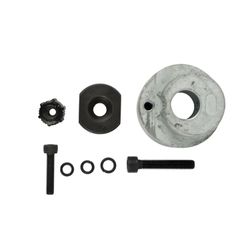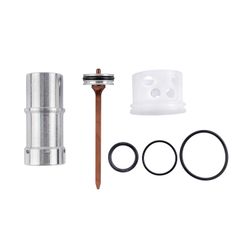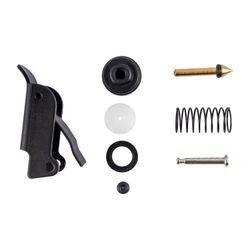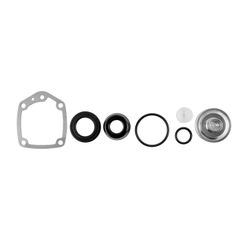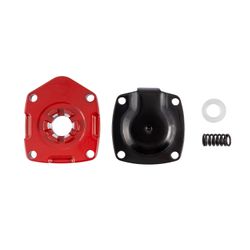
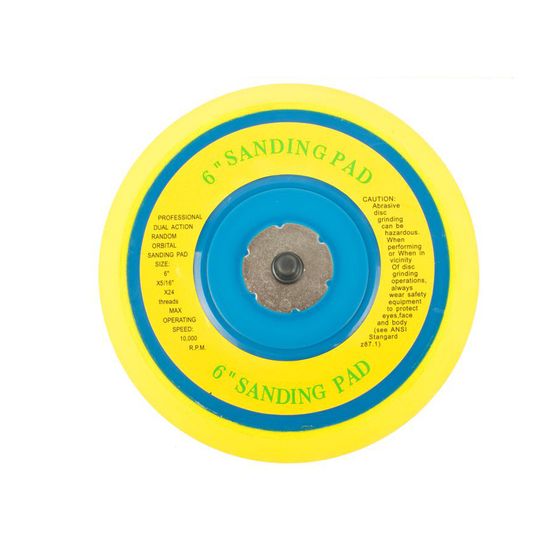
Air Sander Service Kit Sanding Pad(47) For At0010
Tags:
Brand AIRCRAFT
, Spares
, AT0010 Spare
, Spare
, Air Sander Service Kit
, Pneumatic Tool Parts
, AT0010
Air Sander Service Kit Sanding Pad(47) For At0010
NOTE
Please confirm that stock is available before visiting.
- Stock: In Stock
- Model: AT0010-SK11
- Weight: 0.10kg
- Dimensions: 162.00mm x 148.00mm x 148.00mm
- SKU: AT0010-SK11
- UPC: 6009515849474
R 63.00
Ex VAT: R 54.78
AirCraft AT0010 Air Sander Service Kit Sanding Pad (47) For Air Sander Model AT0010
At a Glance: 6' sanding pad replacement with 5/16'-24 threaded mount, rated up to 10,000 RPM for the AirCraft AT0010.
A fresh sanding pad is the quickest way to get your finish quality back on track. The AirCraft AT0010-SK11 service kit supplies the sanding pad referenced as 47 on the AT0010 parts diagram. It’s designed for the AirCraft AT0010 dual-action/random orbital sanding setup, helping keep discs running true, reducing chatter, and improving control—especially when your current pad is worn, uneven, or no longer holding discs properly.
Standout feature: A dedicated 6' replacement pad for the AT0010 with a threaded 5/16'-24 mount—built to restore stable, consistent sanding performance.
Features
- AT0010-specific fitment Made to suit Air Sander Model AT0010 as the sanding pad at reference position 47.
- 6' pad size Matches common 6-inch sanding discs for broad, even coverage.
- Threaded mounting 5/16'-24 thread for secure attachment and reliable centring.
- High-speed capability Rated for up to 10,000 RPM to suit typical DA/random orbital sanding use.
Benefits
- Improves finish consistency A flat, true pad helps reduce swirls and uneven scratch patterns.
- Better control and tracking Helps keep the disc stable, reducing wobble and vibration.
- Protects your tool Replacing a damaged pad can reduce stress on bearings and orbit components.
- Faster, cleaner work A properly performing pad helps abrasives cut evenly and predictably.
Extra Information
- Confirm fitment using the AT0010 exploded parts diagram for reference position 47.
- Replace the pad if you notice wobble, uneven sanding, excessive vibration, or poor disc seating/holding.
- Keep discs aligned and avoid running damaged or out-of-round abrasives, as this can shorten pad life.
Pro Tip
- When fitting a new pad, clean the mounting threads and tighten securely—then test-run briefly to confirm the pad runs true before sanding your workpiece.
Safety
- Wear eye, ear and dust protection when sanding and when test-running pneumatic tools.
- Disconnect the air supply and release all pressure before changing the sanding pad.
- Do not exceed the maximum operating speed and never use damaged discs or pads.
- Hold the tool securely and test-run at low load after installation to ensure the pad runs true.